For room owners
Post a room for rent for free
Have a spare room to rent out? List it on Roomterms in a few minutes and start hearing from renters in your area.
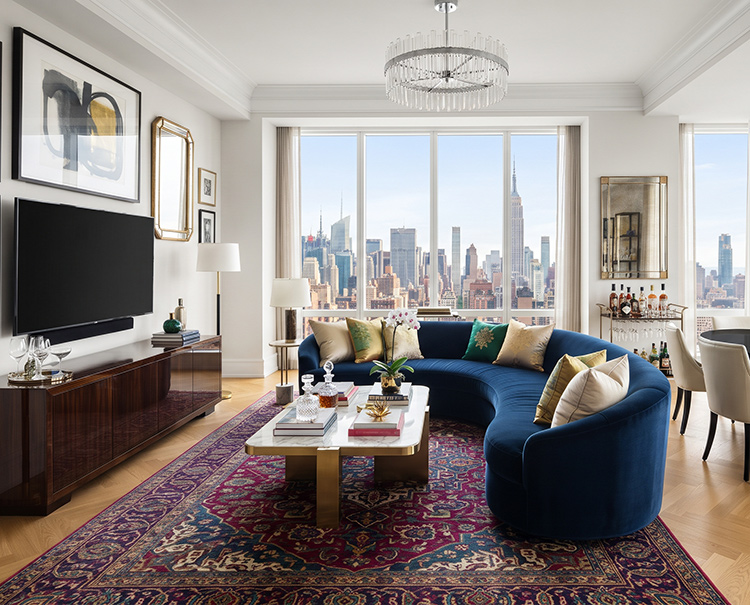
How to post a room for rent
Create a free account
Sign up with your email. No credit card needed.
Add your room details
Upload photos and set the rent, move-in date, room type and house rules.
Hear from renters
People searching your ZIP or city find your room and message you. You choose who to meet.
What every listing includes
Photos
Upload multiple photos so renters can see exactly what your room looks like.
ZIP and city search
Your listing appears when renters search your ZIP code or city.
Private messages
Renters contact you through Roomterms — your personal info stays private.
Edit anytime
Update price, photos or availability from your dashboard whenever you need to.
Guides for room owners
All resources →Common questions
Is it really free to post a room? add
Yes. Posting, editing and messaging renters cost nothing, and renters don't pay to contact you.
Who can post a room for rent? add
Anyone renting out a room they own or lease, as long as their lease or local rules allow subletting.
How do renters contact me? add
Renters send messages through Roomterms. You reply from your dashboard and decide who to meet.
Can I edit or remove my listing? add
Yes. You can change photos, price and details, or take the listing down, from My Listings at any time.
How long does my listing stay up? add
Until you remove it or mark the room as rented.